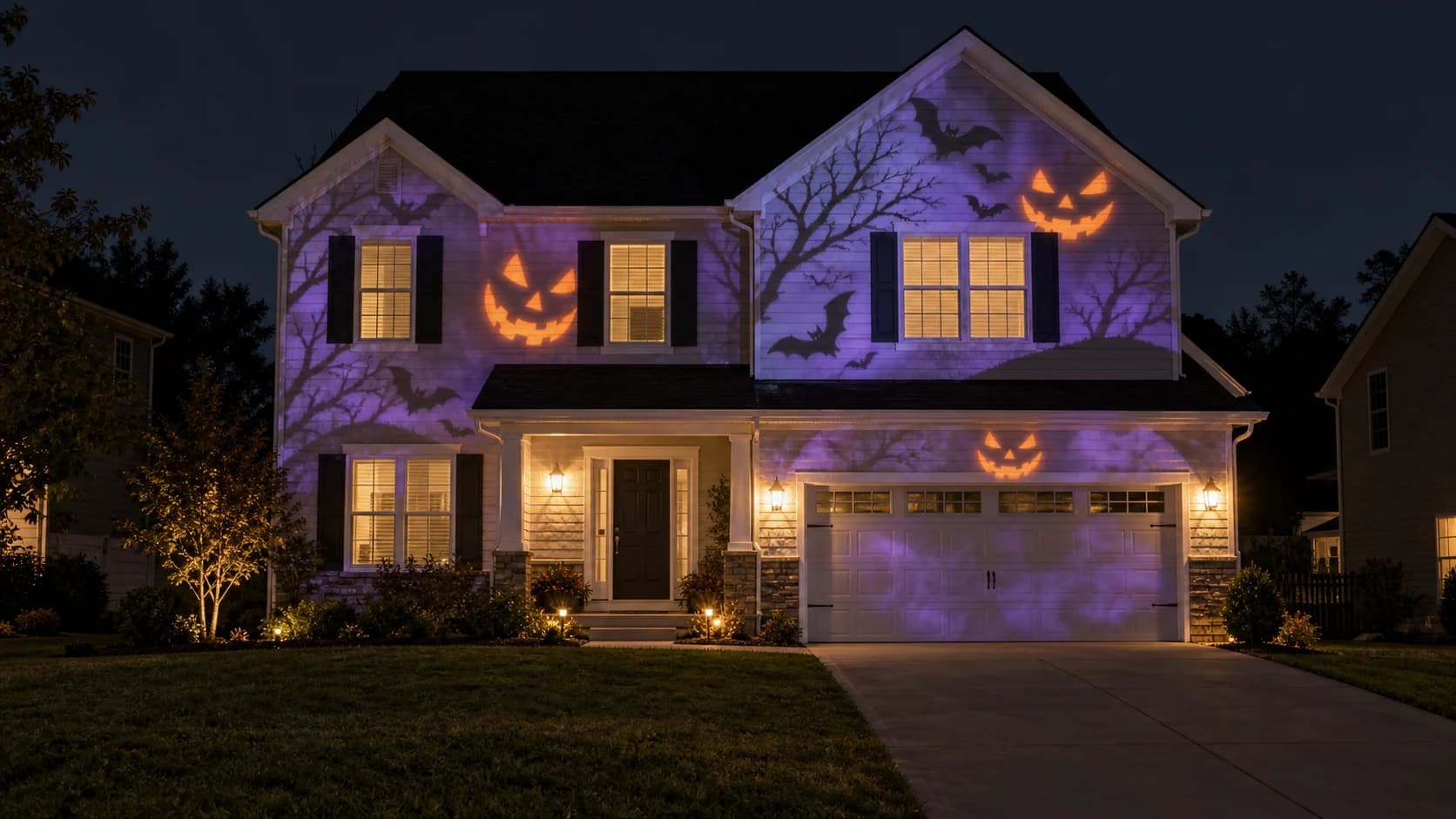
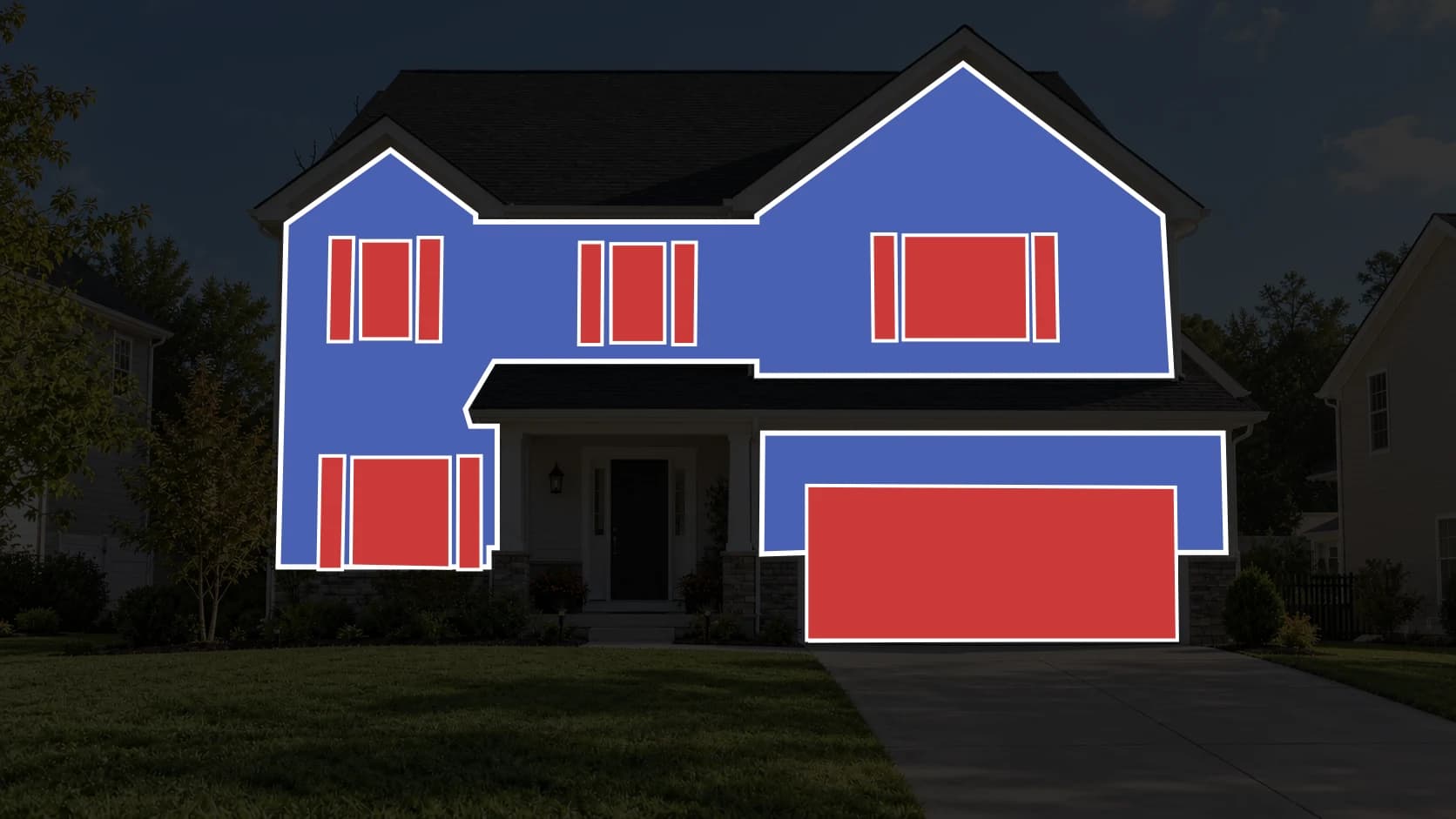
01Start with a template
Bring a raster template of your windows, walls, or objects. Review every result against it before projection.
Use a mapping templateLenscap / Projection Mapping
Start with the place you want to transform. See what is possible, choose a direction, then create visuals shaped for the real surface.
Choose a path. Make it entirely yours.

CHOOSE HOW TO BEGIN
Bring a mapped template, describe a scene, or animate an image you already have.
01Bring a raster template of your windows, walls, or objects. Review every result against it before projection.
Use a mapping template
02Write what you want to see, explore the look, and turn the strongest idea into projection-ready motion.
Create from text
03Upload artwork or a favorite frame, then animate it into a video made to play across your mapped space.
Animate an image01 / Your space
Upload a PNG, JPEG, or WebP template of your windows, walls, or other projection surfaces.
02 / Your idea
Describe a world, explore image concepts, and choose the one you want to bring to life.
03 / Your moment
Animate your chosen artwork, inspect its alignment, and download an MP4 fitted to the template canvas.
Start with the map you already use.