AI Projection Mapping with the Lazy Lighting app
From mapping your object to playing the finished video: the whole workflow, step by step.
Map your object in Lazy Lighting
Open the Lazy Lighting app and map the surfaces of your object: a house, a model, a wall, anything you can point a projector at.
Export your mapping
In Lazy Lighting, open the menu, then General Settings → Mapping Template → Save to Camera Roll. That image is your template.
Import it into Lenscap
In Lenscap, open Create → Projection Mapping and upload the image you saved as your template.
Generate images first
Describe your scene and generate a few images.
AI doesn't always get the layout right, and images cost far fewer credits than video, so this is the cheap place to try ideas until one fits your object.
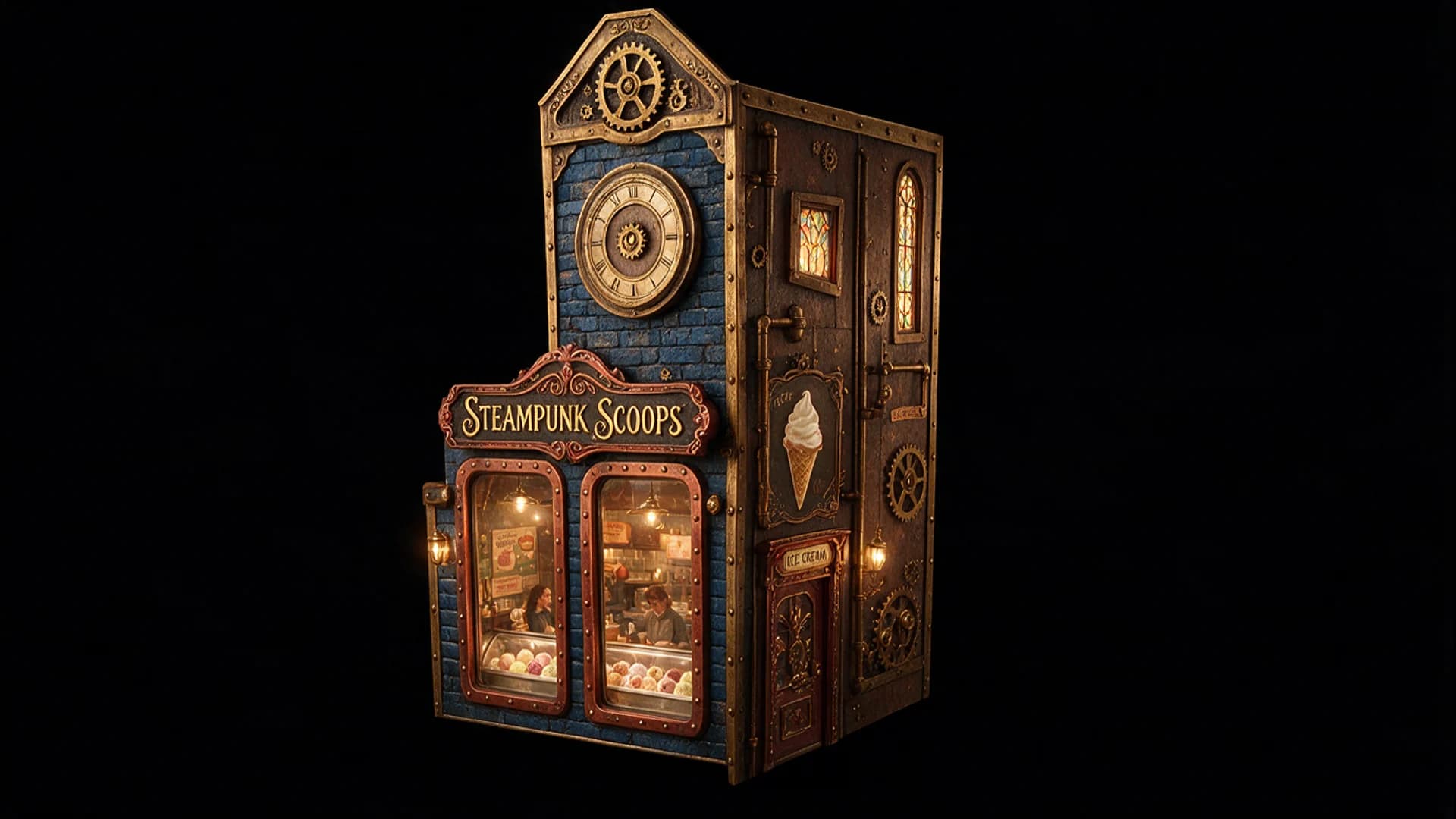 Your image
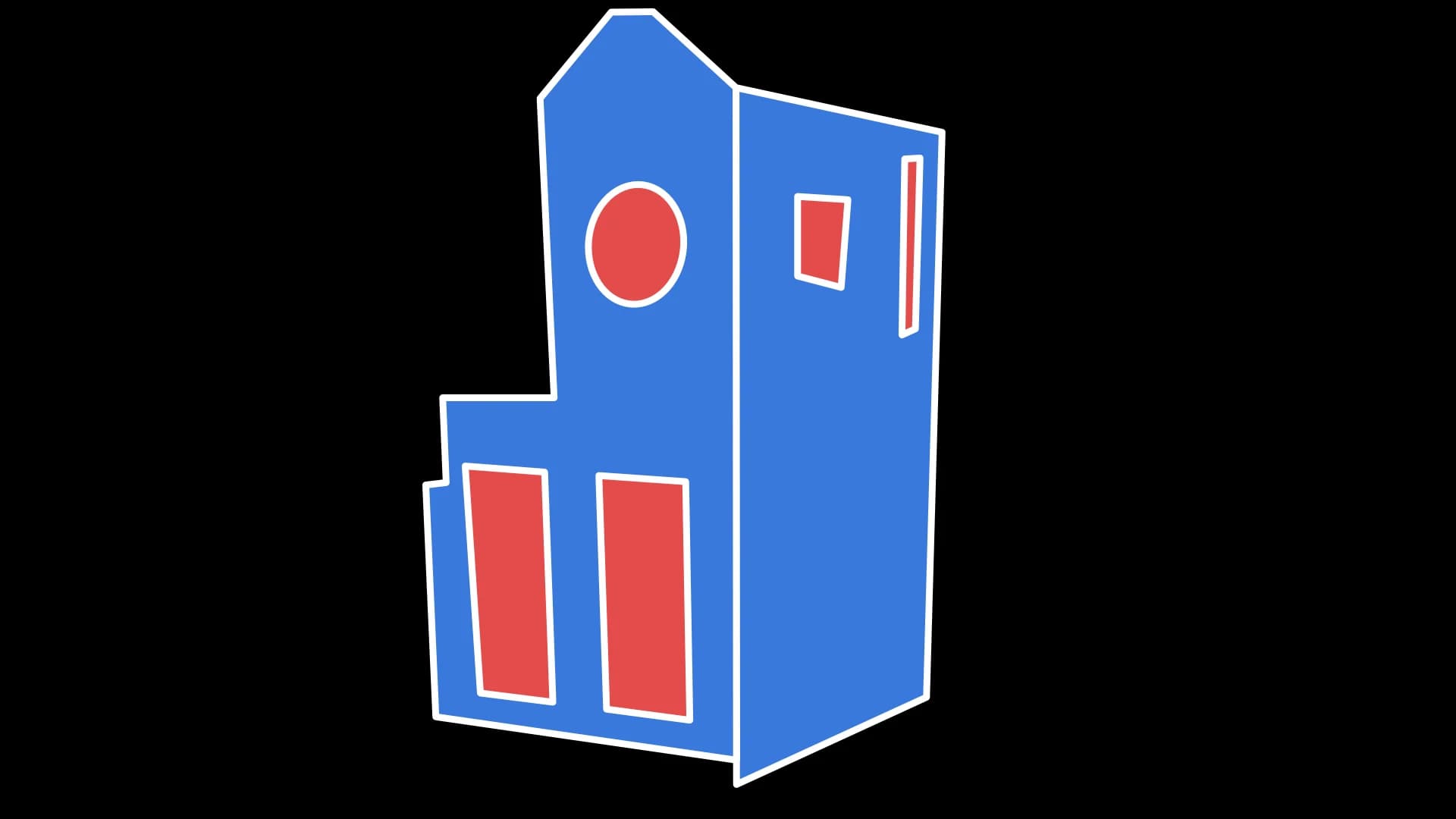 Your template
Animate your favourite
Press Animate on the image you like best, then generate the video. It starts from that exact image, so it stays lined up with your template.
Play it in Lazy Lighting
Download the video to your device and import it into Lazy Lighting. That's it: your projection is ready for the show.